Advanced Media Library Filters
Extend the native WordPress Media Library by adding powerful, advanced filtering capabilities. Locate specific files in seconds, even in very large libraries.
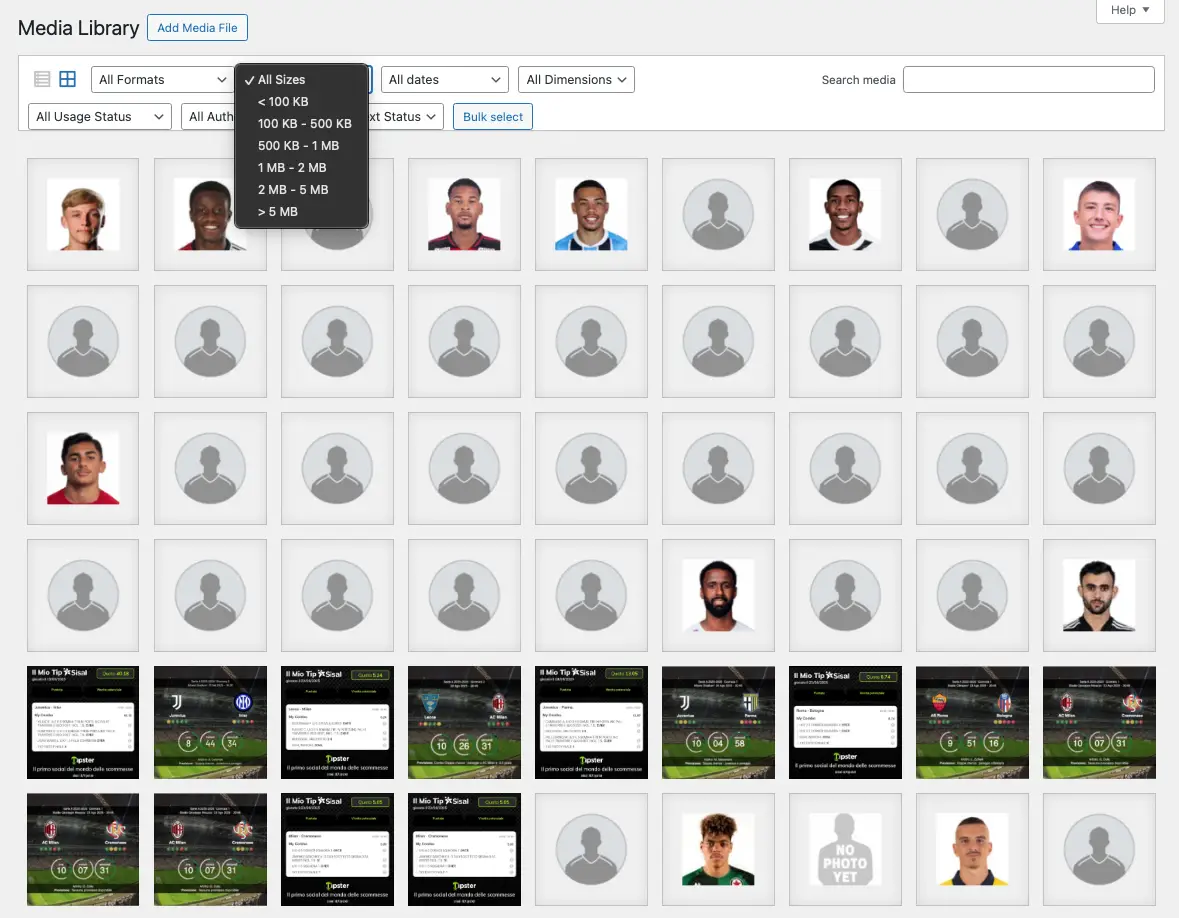
Advanced filters
The plugin integrates seamlessly into both the Grid/Modal views and the traditional List view.
File format
Filter media by Images (JPG, PNG, WebP), Documents (PDF, Word, Excel, TXT), Audio (MP3, WAV), and Videos (MP4, MKV).
File size
Filter attachments based on their physical file size (e.g., < 100 KB, 100 KB - 500 KB, up to > 5 MB).
Dimensions
Quickly find images based on their orientation (Landscape, Portrait, or Square).
Usage status
Identify whether a media file is "Attached" (in use by a post/page) or "Unattached" (orphaned).
Author
Filter media files by the exact author who uploaded them.
Alt text
Keep your site accessible and SEO-friendly by quickly finding images that are missing Alternative Text.
Management & synchronization
You can toggle which specific filters are displayed, as well as synchronize metadata for older attachments.
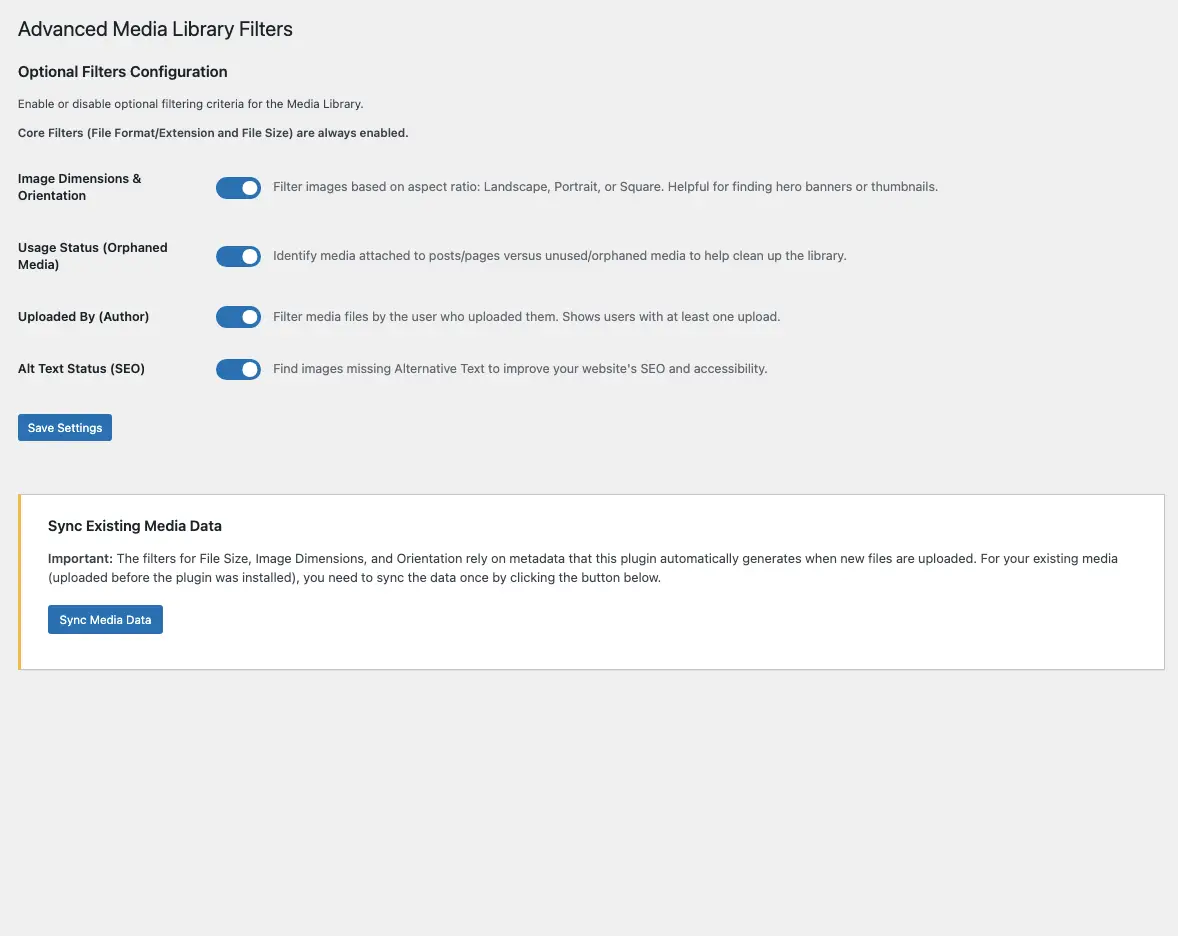
Options panel
Enable or disable the filters you need and manage metadata synchronization.
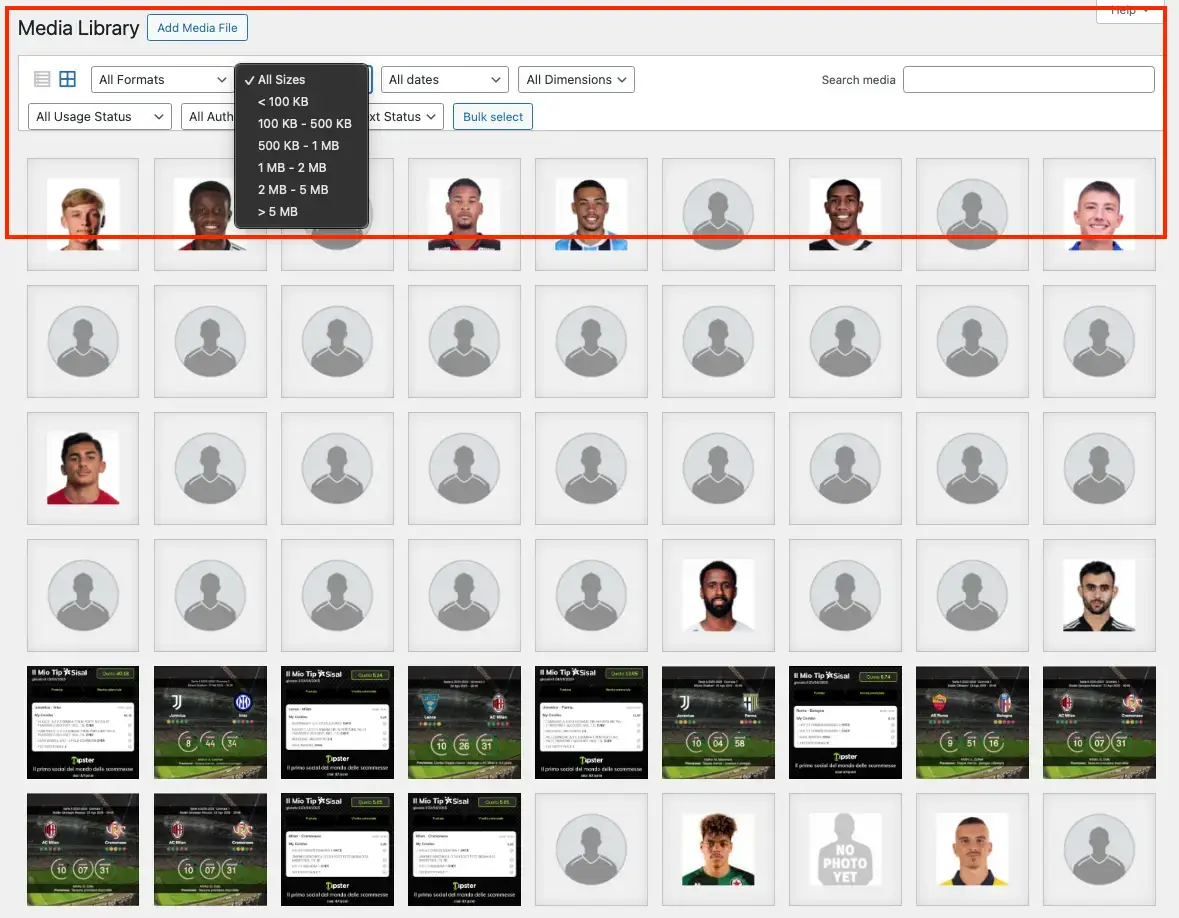
Native integration
The filters appear directly in the media library, without cluttering the interface.
Performance & optimization
Lightweight & fast
The plugin is optimized to not slow down the loading of the WordPress dashboard.
Metadata sync
An integrated tool allows you to index files uploaded prior to installing the plugin.
No traces
By deactivating the plugin, the library returns to its original state without leaving unused data in the database.
Frequently asked questions
Everything you need to know about the plugin's operation and compatibility.
Why are size and orientation filters not working for my older media files?
WordPress does not retroactively generate the custom metadata required for these advanced filters. To fix this, simply go to Settings -> Media Filters and run the "Sync Media Data" tool once. All your previously uploaded files will be processed and indexed.
Does this plugin delete or modify my physical media files?
No. The plugin only optimizes search and adds filtering capabilities using WordPress metadata. Your original files, images, and attachments remain completely untouched and safe.
Will the reset button clear my native WordPress search string too?
Yes. Clicking the "Reset Filters" button clears all advanced dropdown filters (format, size, orientation, alt text status, author, usage) and returns the media library to its default state.
Will the Alt Text filter slow down my large database?
No. Thanks to the high-performance custom indexed flag (_levelnetwork_mlf_has_alt) introduced in version 1.0.7, the plugin bypasses heavy database queries. It runs lightning-fast even on Enterprise websites with over 50,000 media assets.
Does the "Reset Filters" button trigger multiple server requests?
No. The reset mechanism is fully optimized for WordPress Backbone.js. It merges all filter resets into a single event loop, ensuring that only one lightweight AJAX request is sent to your server, keeping resource usage minimal.
What happens to the metadata if I uninstall the plugin?
If you delete the plugin, our clean uninstall routine automatically removes all indexed metadata keys and global settings from your database. It is also fully compatible with object caching systems like Redis and Memcached, ensuring no orphaned data is left behind.
Is this plugin compatible with custom fields or third-party media folders?
LevelNetwork Media Library Filters is built to extend the native WordPress Media Library dashboard (both Grid and List views). It works flawlessly alongside most plugins, provided they use the standard WordPress media attachment structure.
Organize your media library
Download Advanced Media Library Filters for free and find what you need instantly.
Disclaimer: This plugin is provided 'as is' and is completely free to use. Levelnetwork.it is not responsible for any damage or malfunction resulting from its use.