Custom Login Protector
Protect the core of your WordPress site and transform the login page into a professional portal. Security through obfuscation and uncompromising design.
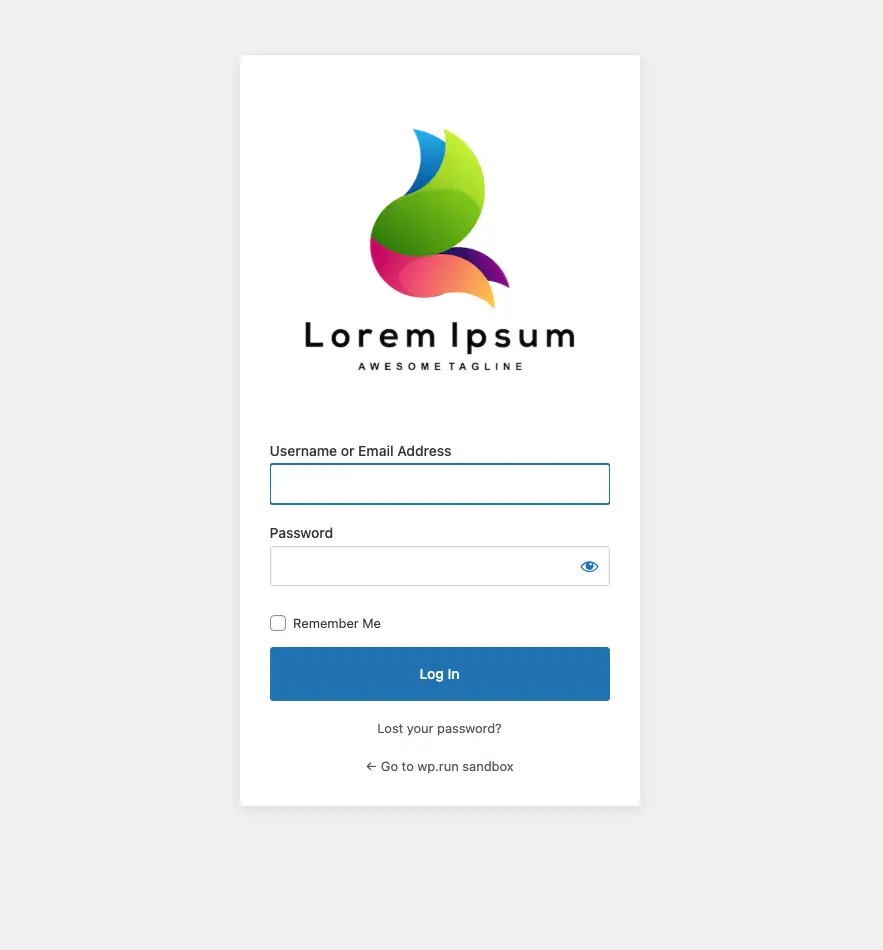
Security through obscurity
Hiding the main entrance of your site drastically reduces brute-force attacks and the server load generated by automated bots.
Rename login URL
Change the standard wp-login.php address with a custom slug of your choice (e.g.
/private-area).
Block direct access
Inhibits access to /wp-admin for unauthenticated users, redirecting them
wherever you prefer (Home or 404).
Dynamic URL filter
Intercepts and modifies all system links (logout, register, lost password) to never reveal the real URL.
Aesthetics without limits
Choose from 11 predefined layouts designed to elevate your brand image from the very first second.
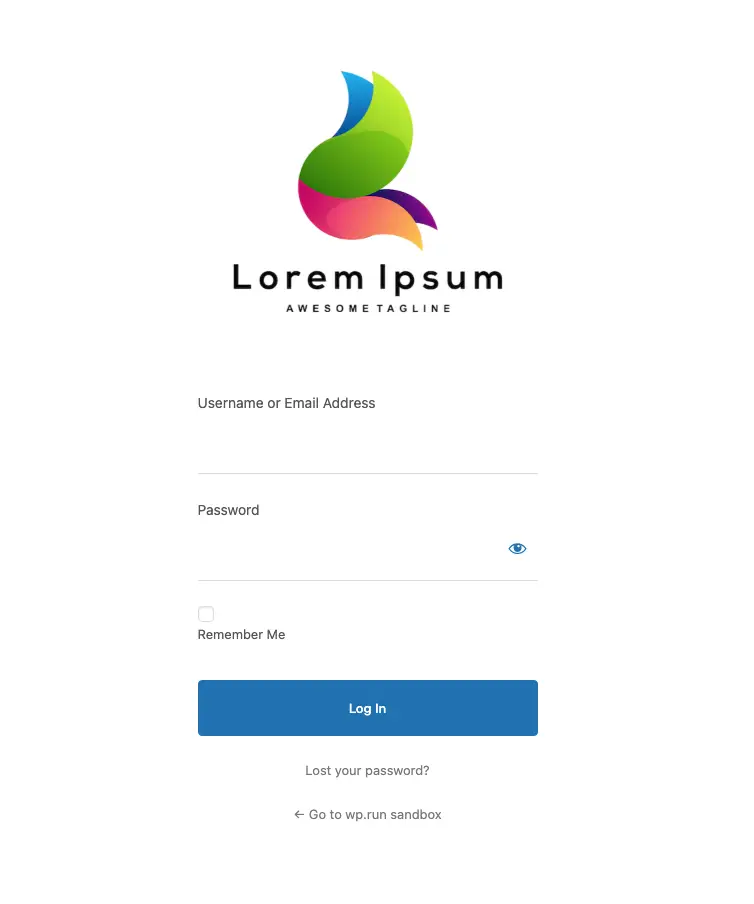
Glassmorphism
A modern effect with background blur and elegant transparencies.
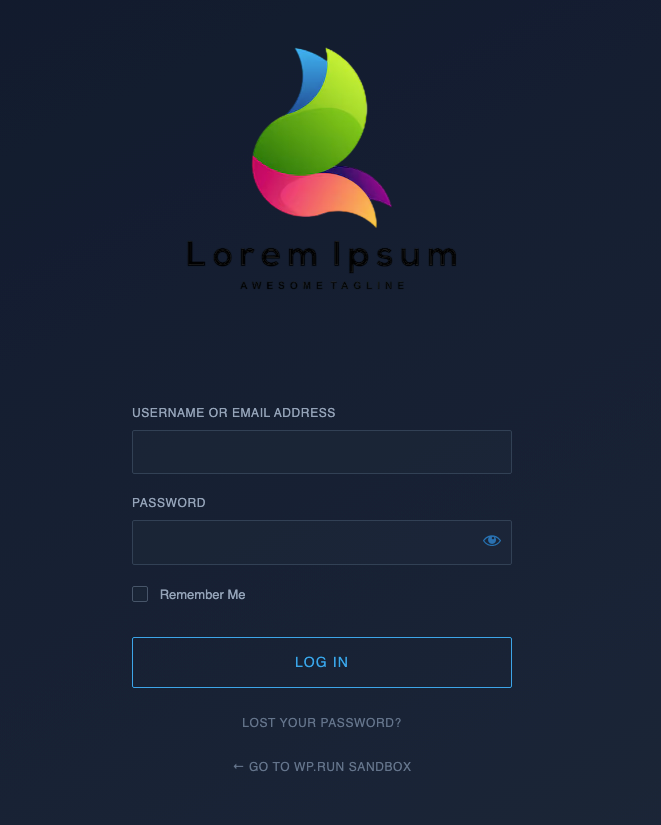
Cyberpunk style
High-contrast neon and high-tech aesthetics for bold projects.
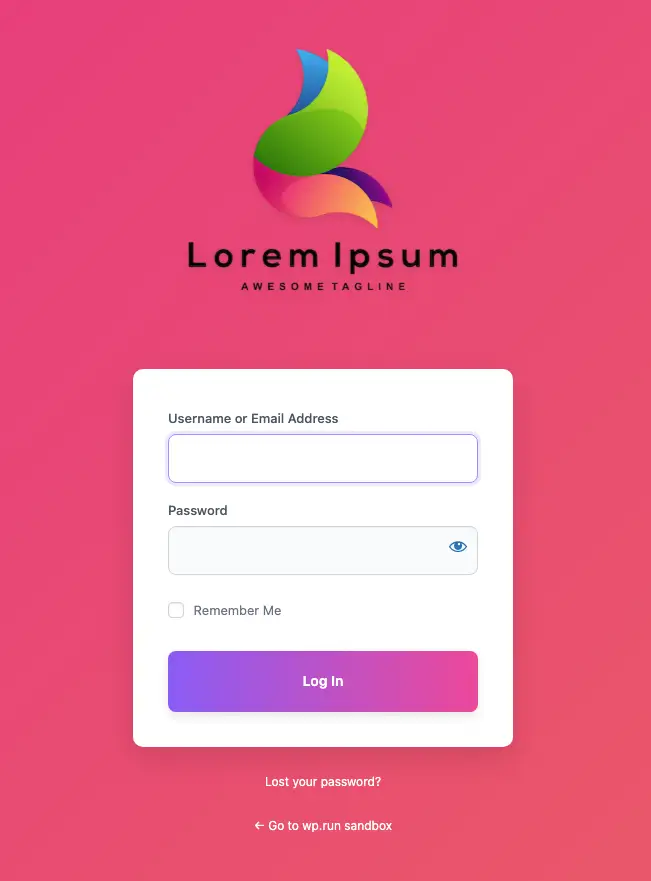
Animated gradient
Dynamic background with fluid color transitions and smooth animations.
Logo & media
Integration with the native media library to upload your company logo with automatic aspect ratio calculation.
Custom CSS
Integrated editor to inject specific styles with automatic XSS sanitization.
11 graphic presets
From Neumorphism to animated backgrounds, all ready with a simple click.
Ideal for...
eCommerce & membership
Offer your customers a professional and reassuring entrance portal, in line with your shop's design.
Critical corporate sites
Protect administrative access by making it invisible to bots trying to force WordPress standard doors.
Web agencies & freelancers
Provide your clients with a high-level finished product, customizing the login area with their logo.
Performance and code quality
Lightweight & selective
The plugin loads only the CSS file necessary for the selected layout, maintaining instant loading times.
No AJAX conflict
Intelligently handles system calls, ensuring that site functionalities never break.
Instant reset
By deactivating the plugin, the site returns to standard settings without dirtying the database or .htaccess file.
Frequently asked questions
Everything you need to know about the plugin's security, operation, and compatibility.
What happens if I forget my custom login URL and get locked out?
If you forget your custom login URL, you can easily regain access via FTP or your hosting
control panel's File Manager. Navigate to the wp-content/plugins/ directory
and rename the folder levelnetwork-custom-login-protector to something else
(e.g., levelnetwork-custom-login-protector-disabled). This will instantly
deactivate the plugin and restore the default wp-login.php URL.
Do I need to update my permalinks after saving?
Yes. After setting a new login URL or changing an existing one, it is highly recommended to go to Settings > Permalinks and simply click the "Save Changes" button to safely flush the WordPress rewrite rules.
Is this plugin compatible with caching plugins?
Absolutely. However, to prevent login loops or cached nonces, you must ensure your new custom login URL slug is excluded from being cached in your caching plugin's settings (e.g., WP Rocket, LiteSpeed Cache, W3 Total Cache).
Protect your site today
Download Custom Login Protector for free and give a touch of class to your private area.
Disclaimer: This plugin is provided 'as is' and is completely free to use. Levelnetwork.it is not responsible for any damage or malfunction resulting from its use.